No Jailbreak Required

VigilKids Parental Control
50+ parental control features in one secure dashboard. Manage screen time, track location, and spot risks across messaging and social apps.
Available on:
Child devices: Supported Android phones, iPhones & iPad
Parent dashboard: Access through a web browser
No Jailbreak Required

Secure Data Protection

14-Day Money-Back Guarantee

Live Support
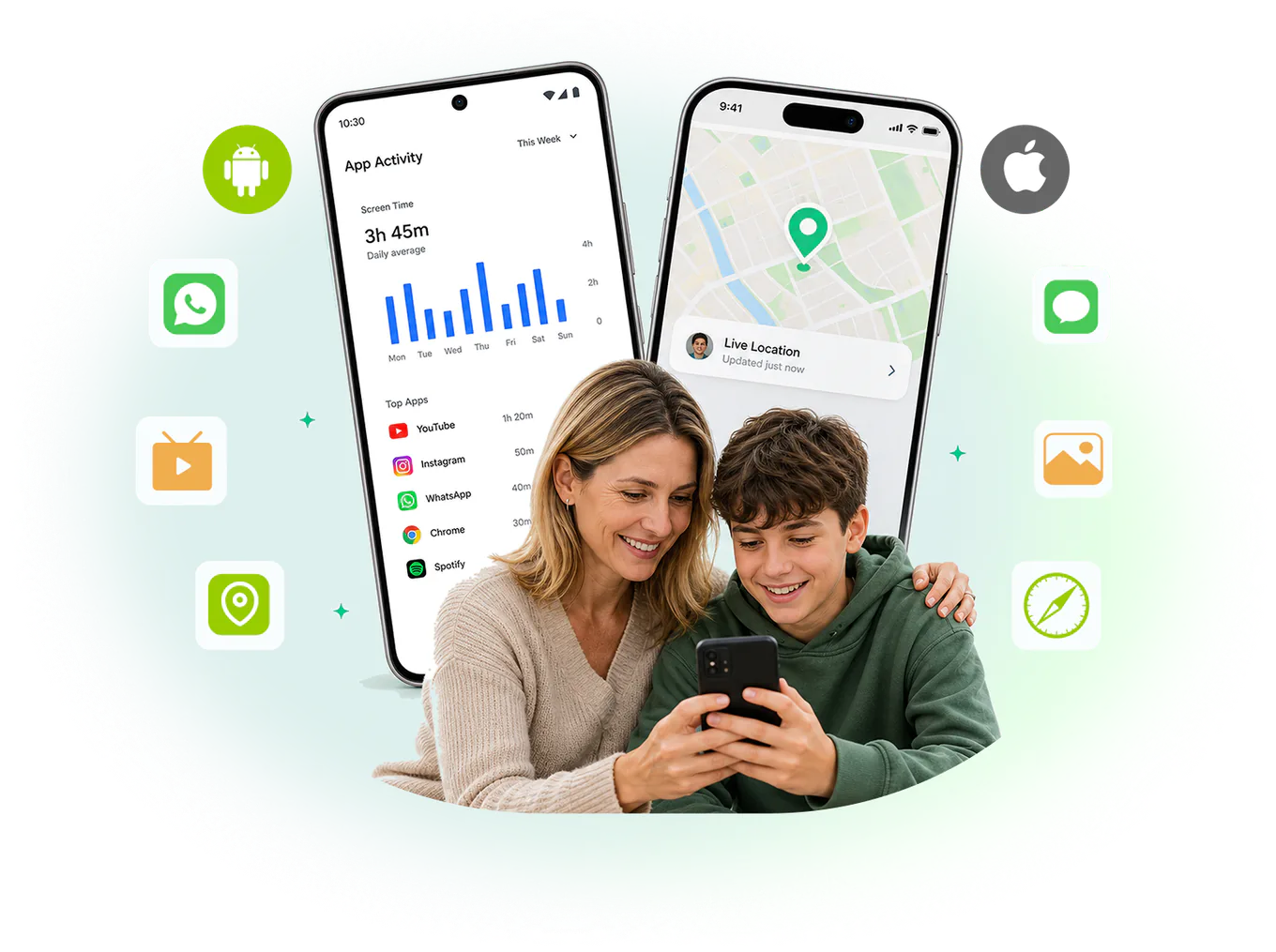
VigilKids is a parental control app for families using Android phones and iPhones. It brings supported device activity and information into a browser-based dashboard so parents can understand what may need attention.
Available features and data depend on the child's device, operating system, permissions, and setup method.
Compare Android and iPhone featuresVigilKids supports Android and iPhone with monitoring capabilities tailored to each platform.
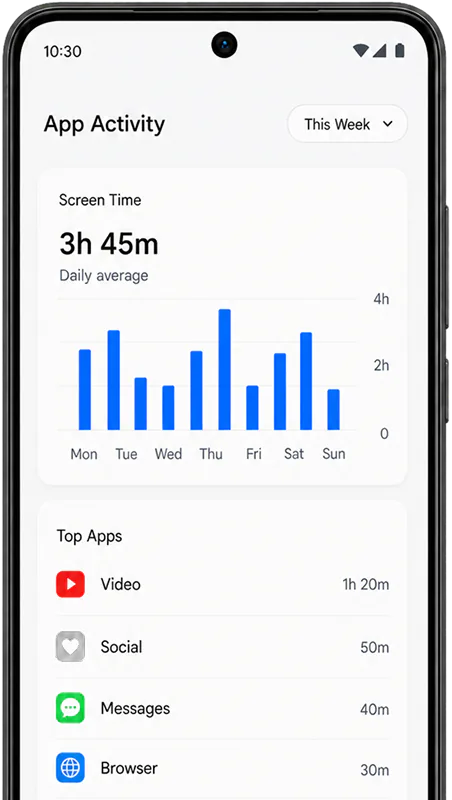
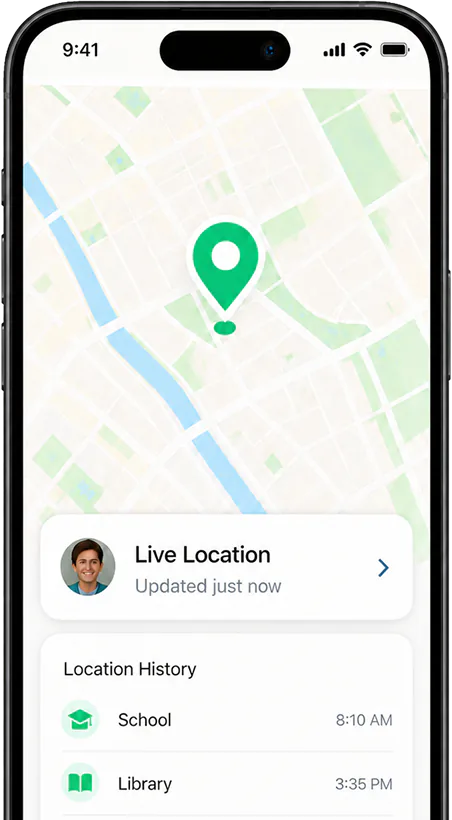
Kids use chats, social apps, browsers, and location-based apps every day. VigilKids helps parents spot important activity early, understand the context, and step in when it matters.
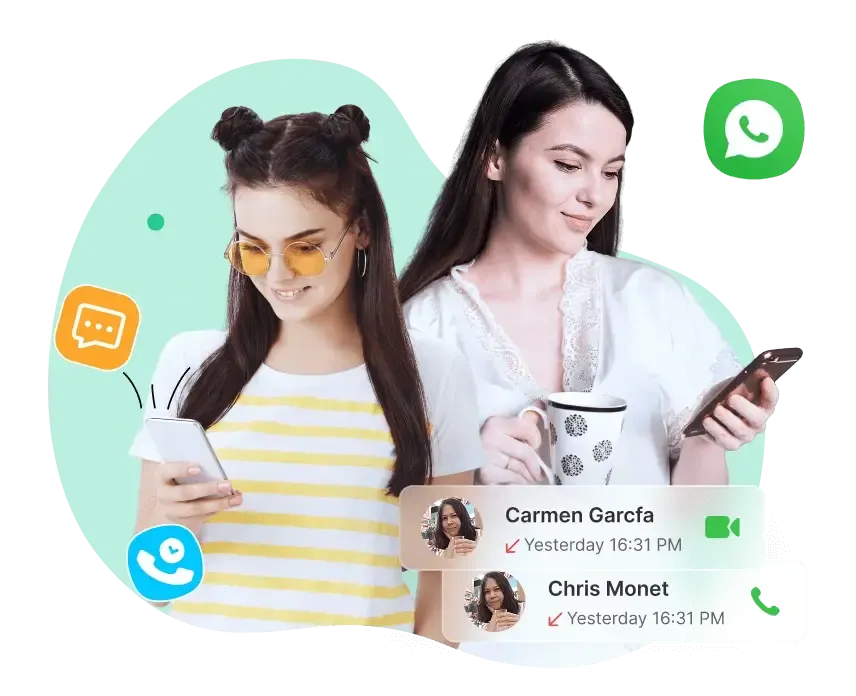
Keep an eye on your child's calls, texts, and chats to understand who they connect with and how they communicate—helping you stay informed and guide them safely.
See what your child saves, browses, and searches to understand their digital world better, and support them in building safer, healthier online habits.

Go beyond reports and history—watch their screen, hear surroundings, or turn on the camera in real time when it matters most, giving you true peace of mind.
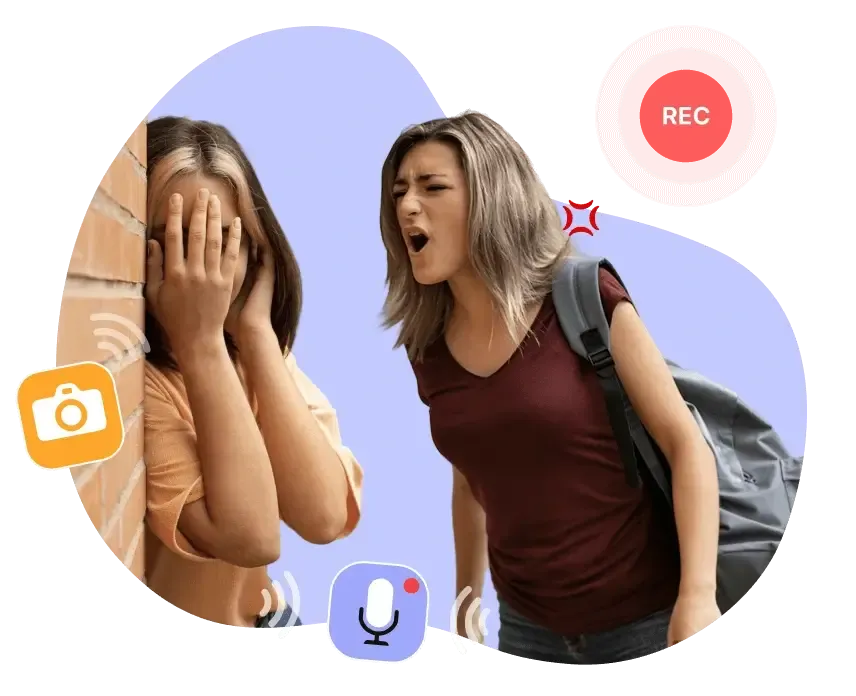
Beyond monitoring, VigilKids gives you smarter controls and extra features to create a balanced and safer digital experience for your child.

Connect a supported device, then review available insights from one dashboard.
Choose a Plan
Pick the subscription term that fits your family.
Connect the Device
Follow the guided setup for a supported Android or iPhone.
View the Dashboard
Review supported activity and alerts from your browser.
Use useful context when a child’s digital life is changing—not as a reason to watch every tap.
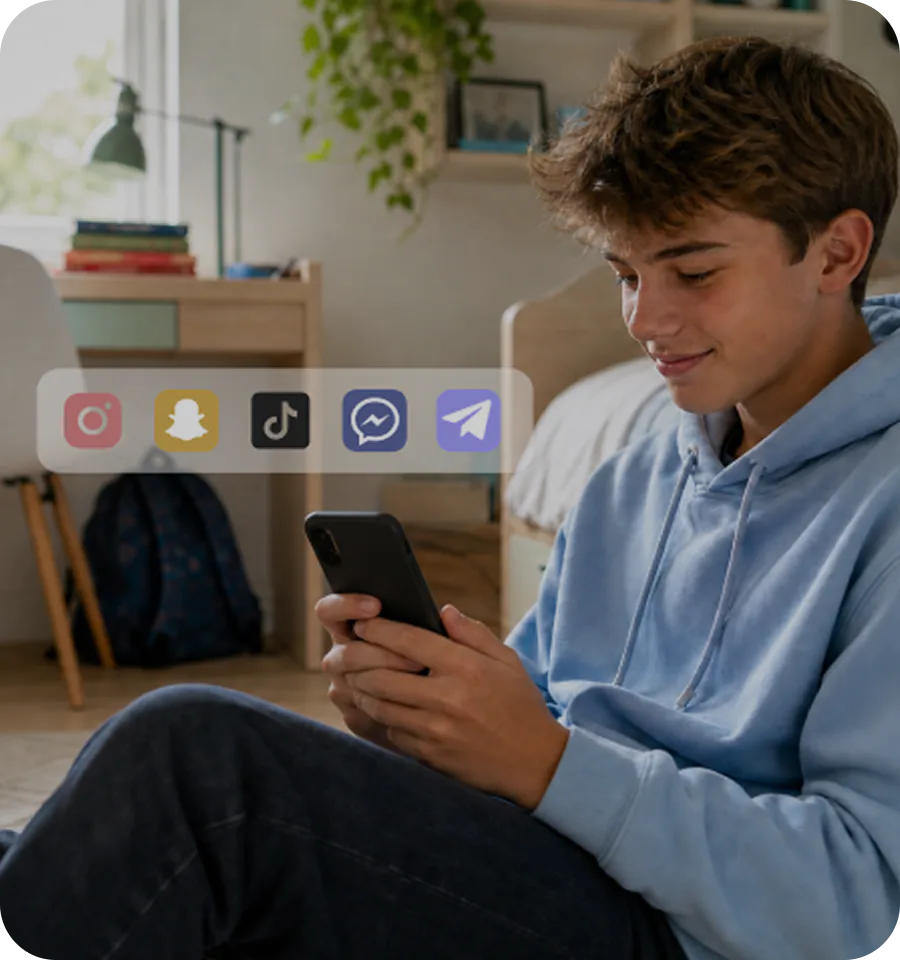
Understand new conversations, contacts, and activity as your child begins exploring social media and building online connections.
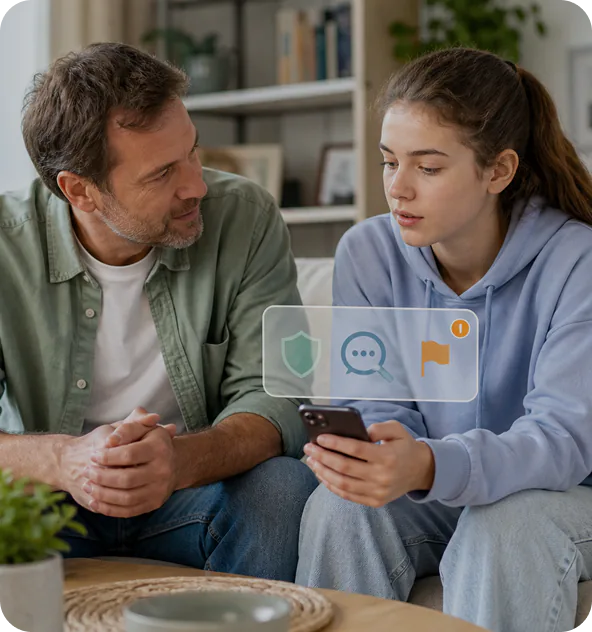
Use keyword detection to surface potentially inappropriate content that may need timely parental attention.
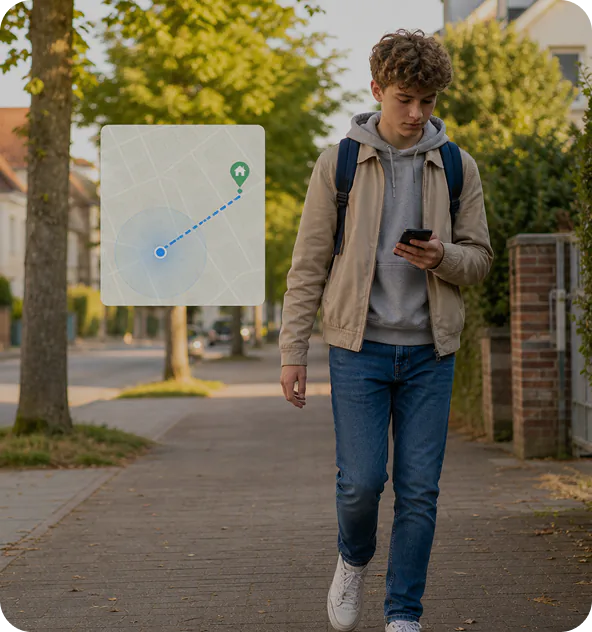
Use available location information to stay informed during school trips, holidays, commutes, or other times your child is traveling independently.
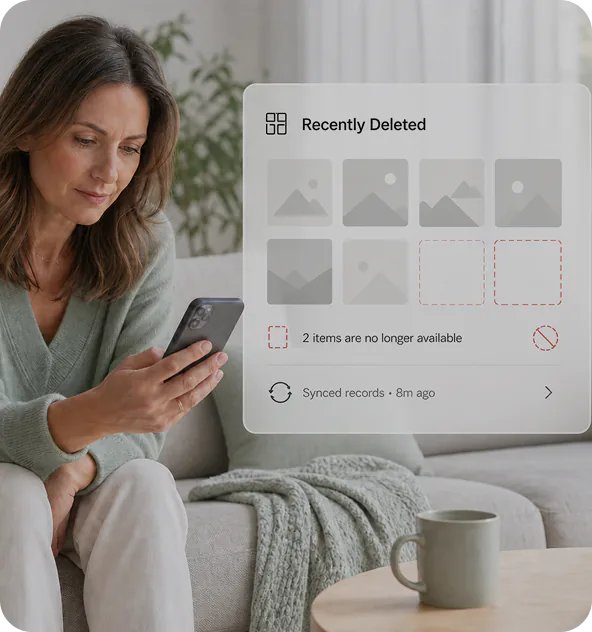
Review supported recently deleted photos and synced records to better understand missing context before starting a conversation.

We built VigilKids to help parents understand meaningful activity, spot potential risks earlier, and start better conversations—with privacy and responsible use at the center.
See how families use VigilKids to understand what matters and begin better conversations.



Kevin
After our divorce, my son didn’t always open up. VigilKids helped me fill in the gaps without feeling like a spy. I just wanted to know he was okay—and now I do.

Melissa R.
VigilKids helps me focus on patterns instead of checking every little thing. The dashboard makes important iPhone activity much easier to understand.

Ethan M.
The setup guide was clear, and having communication, location and media signals together gives our family better context for difficult conversations.

Sophia L.
I like that I can review what matters from one dashboard. It feels less overwhelming and helps us set healthier digital boundaries.

Olivia T.
Having messages, location updates, and photos in one place makes family check-ins much calmer. I can focus on real changes instead of guessing.

Daniel K.
The iPhone setup was straightforward, and the dashboard gives me enough context to start a conversation without hovering over every app.








VigilKids is a parental control and phone monitoring app for families using Android phones and iPhones. It helps parents review supported device activity, communication, and location information from a web dashboard. Available features vary by platform and setup method.
Yes. VigilKids supports both Android and iPhone, but their features and setup methods differ. Android monitoring requires installing an app on the child’s phone, while the iPhone solution uses iCloud sync. Check the device requirements and platform-specific features before purchasing.
With VigilKids for Android, parents can review messages, call logs, contacts, supported social app activity, app usage, location history, photos, videos, and browsing history. Available features depend on the device, Android version, and permissions granted during setup.
VigilKids for iPhone lets parents review supported messages, call logs, contacts, WhatsApp activity, location information, and photos and videos through its iCloud-based solution. Available records depend on what can be synced from the connected account. iPhone features differ from Android features.
For Android, yes. You need physical access during setup to install the app, grant the required permissions, and connect the phone to your account. If you plan to use VigilKids with an iPhone, contact support before purchasing to confirm the device access and account verification requirements.
No. VigilKids for Android does not require rooting, and the iPhone solution does not require jailbreaking. You still need to complete the setup and authorization steps for your chosen platform. Available features differ between Android and iPhone.
Yes. You can explore the VigilKids demo before choosing a subscription to see the dashboard layout and how information is presented. Features shown in the demo may differ from those available for your child’s device, so check the relevant platform’s feature list before purchasing.
First, check which VigilKids solution supports your child’s device and the features you need. Then compare the subscription lengths on the pricing page. Review the total billed amount, renewal terms, and refund policy before purchasing. If you are unsure about compatibility or setup requirements, contact support for help.
Contact Us
Have more questions? Our support team is here to help. Get in touch with us for assistance.
Contact Us
Start with VigilKids today and get a clearer view of digital activity, from social apps to daily phone use.